
How to query live streaming analytics with Claude Code and the Streams Charts API
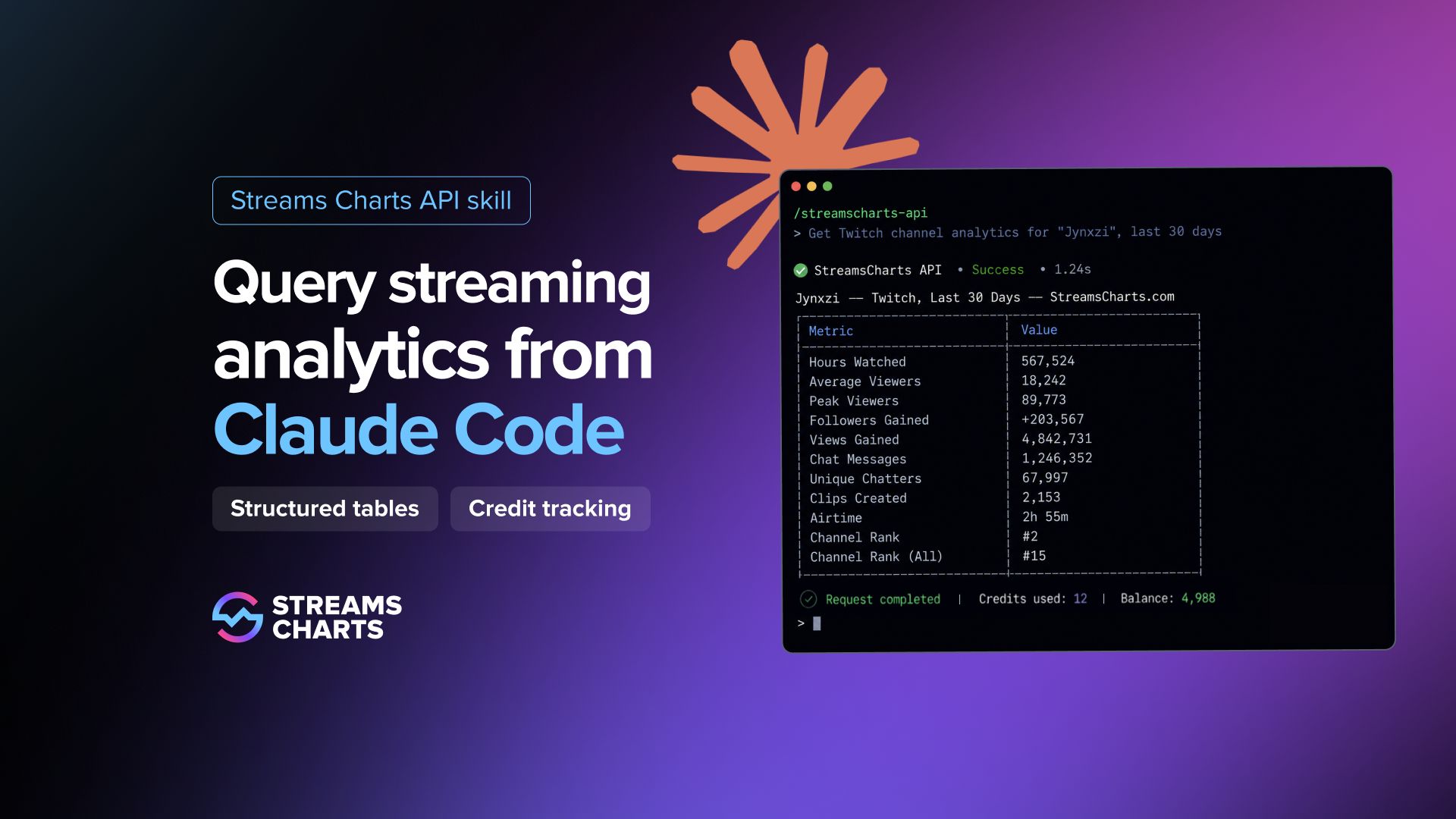
Live streaming analytics usually start with a simple question and quickly turn into a workflow problem: find the right endpoint, pass the right filters, format the response, and move the result somewhere useful.
The Streams Charts API skill for Claude Code shortens that path. Once installed, it lets you query channel stats, stream stats, top lists, and audience analytics directly from Claude Code — and get the result back as a structured table with credit usage included.
For analysts and marketing teams, this removes the usual context switching between API documentation, terminal requests, spreadsheets, and dashboards. You ask for the data, Claude Code selects the right endpoint, sends the request, and formats the result.
What you need to start
Claude Code installed and running.
StreamsCharts API Client-ID and Token; get yours at streamscharts.com/api/token.
Installation
Unzip streamscharts-api.zip
Move the folder into Claude Code skills:
Restart Claude Code.
How to use
Type /streamscharts-api to invoke the skill explicitly, or just ask in plain English (or any preferred language) — Claude Code picks it up automatically.
Provide your credentials the first time — Claude Code will use them for all requests in the session.
Show me xQc's Kick stats for the last 30 days.
Who are the top 20 Twitch channels by average viewers this month?
Top 100 female Twitch streamers for April 2026
Compare shroud and summit1g on Twitch over the last 90 days.


Examples of Streams Charts API requests handled directly inside Claude Code
Claude Code automatically selects the correct endpoint, handles authentication, runs the query, and presents the results as a formatted table — including credit usage and remaining balance after every response.
Credit tracking
Each response shows how many credits were used for the request and the remaining API balance. Credit usage stays attached to the actual output, so users do not need to manually track requests or leave Claude Code to check their dashboard after every query.
What you can query
| Request type | Example |
|---|---|
Channel stats | Average viewers, peak, hours watched, airtime, follower gain |
Extended channel stats (Twitch) | Unique viewers, authorized viewers, stream-level breakdown |
Paid subscribers (Twitch) | Subscriber counts per channel |
Chat analytics | Chat volume, chatters count — Twitch, Kick, YouTube Gaming |
Audience geography (Twitch) | Country breakdown, aggregated over last 30 streams |
Audience demographics (Twitch) | Age, gender breakdown, aggregated over last 30 streams |
Stream stats | Full metrics for a single broadcast |
Stream viewer watchtime (Twitch) | Per-viewer cumulative watch time for a specific stream |
Top channels list | Filterable by platform, language, country, category, and more |
Top by subscribers (Twitch) | Ranked by paid subscriber count |
Top by bits (Twitch) | Ranked by bits received |
Supported platforms include Twitch, Kick, YouTube Gaming, Rumble, NimoTV, Trovo, and other platforms available through the Streams Charts API.
Download and documentation
Download the Streams Charts API skill and follow the setup guide in the official documentation:
Subscribe to our newsletter.
Latest streaming statistics and analytics news in weekly format!
Subscribe