Unlock PRO – Level Up Your Insights!
Get access to exclusive analytics and powerful tools designed for professionals
- Cross-Platform Analytics
- Personal Customizable Lists
- Audience Retention & Insights
- Ads Campaign Management
- Scouting Talents & Variety of Filters
- Exclusive Industry Insights and News
by Streams Charts
Level Up Your Channel Panel
with Our Twitch Extension
Unlock powerful insights directly on your Twitch channel. Share your transparent, data-driven performance with your community and sponsors.

Built for Growth and Transparency
30-Day Channel Performance
Track your key viewership stats from the last 30 days at a glance. Let your audience and potential sponsors see your channel's real dynamics.
Global Twitch Ranking
See exactly where your channel stands in the global Twitch ecosystem. Prove your influence with official Streams Charts ranking data.
Live Audience Geography
Discover where your viewers are watching from in real-time. Understand your global reach broken down by country.
Safe, Secure, and Anonymized
We take data privacy seriously. When the geography tab is enabled, we only store strictly anonymized country-level data (no cities, states, or personal viewer information are tracked).
How to Add the Extension to Your Channel
Go Beyond the Extension
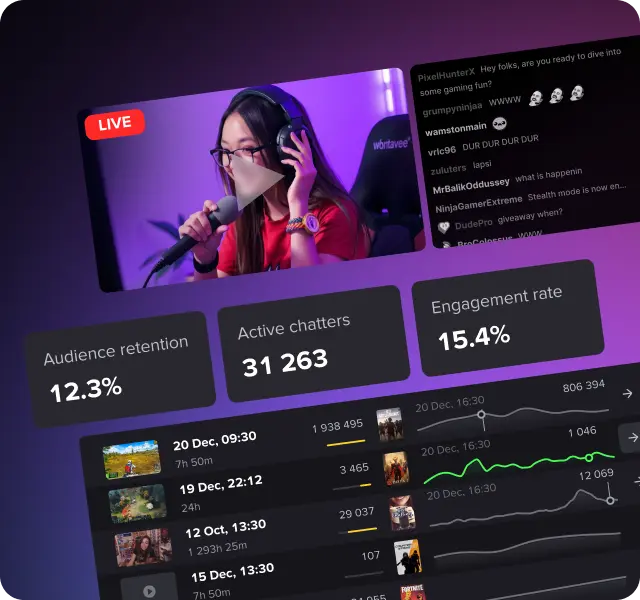
Your panel runs on Streams Charts data. Log in to unlock the full platform — deep-dive analytics, historical trends, audience breakdowns, and global rankings that go far beyond what fits in a panel.
To help the live streaming ecosystem grow, we may use this aggregated data in public industry research without ever mentioning specific channel names or compromising your community's privacy. View an example of our research
Related Tools
Discover, analyze, and grow your channel with tools tailored to your success