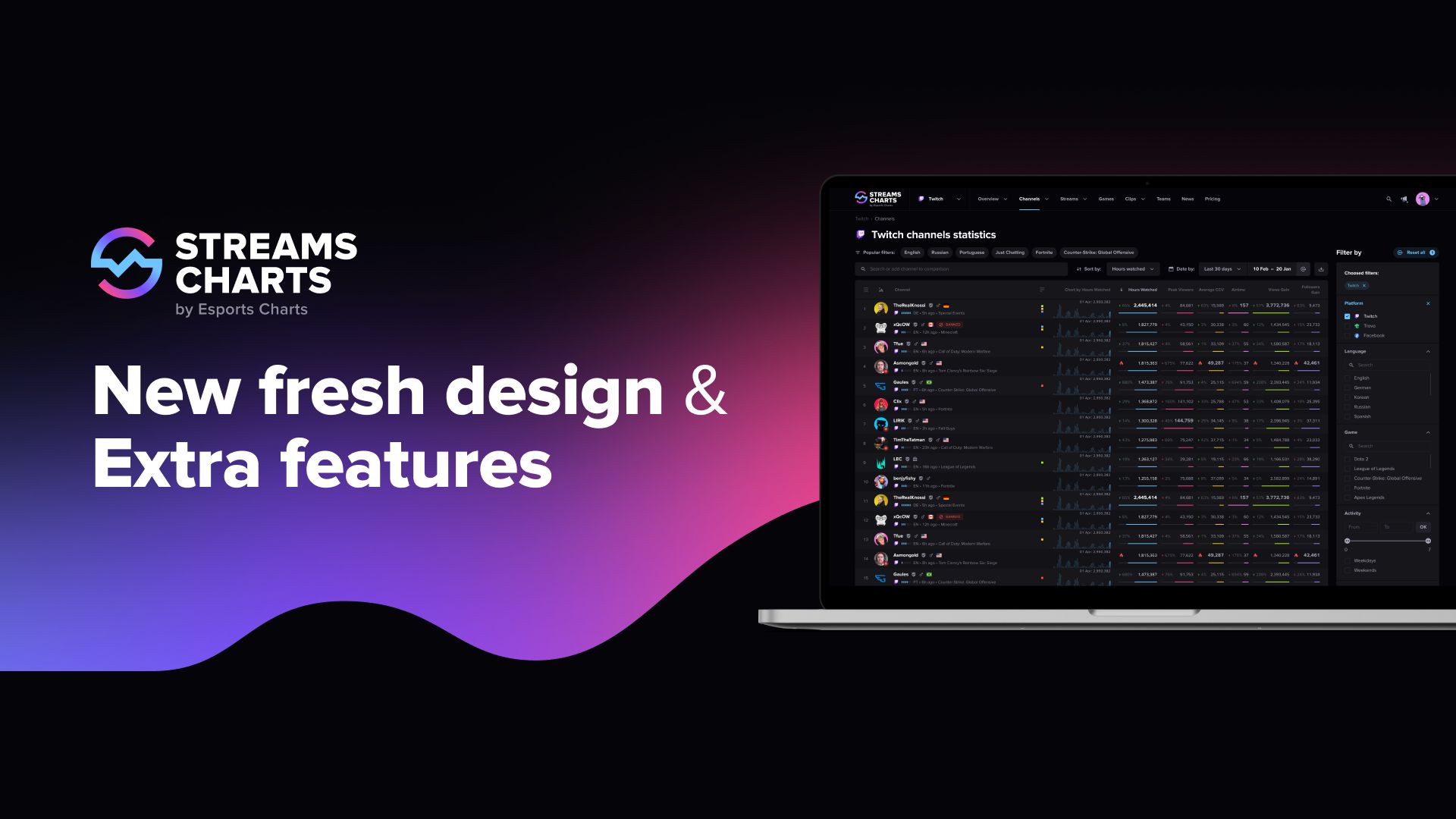
Since the official launch in November 2020, we have been actively working not only to improve the quality of the streaming data we provide, but also to redesign the appearance of the service and a number of its functions. Today we are happy to present you the updated Streams Charts — the design has become even clearer, and some pages have gained new features!

The general pages of channels, categories, streams, communities and clips on Streams Charts got a new look: we moved all filters to the right side so that nothing distracts you from the content on the page. The color scheme of the pages has also been changed and is now made in different colors.
It is important to note that now the choice of platforms that are available to authorized or PRO users is also a filter. You can display on one page all channels/categories or streams for Twitch and Trovo at once (and owners of the extended PRO package can also choose Facebook).
Interactive charts are now faster, and sorting by metrics and selected date has been moved closer to the main filters for general convenience.

We've reworked the Twitch community feed logic. Now, on the community page, you can see the sum of the main metrics of the team's streamers for the selected period, as well as grouped statistics by channels, categories, streams, and languages of participants.
The grouping of the data by language shows all the languages in which the community members were streaming during the selected period. By default, this section is sorted by Hours Watched, but the following metrics are available for sorting: Peak Viewers, Average CCV, Airtime, Stream Count and Channel Count.
Exactly the same functionality is implemented for your personal lists. Track the data of the suggested lists from our service or create your own personal channel lists. Remember that authorized users can create only one channel list, and PRO users do not have these restrictions.
In the near future, we will also add various graphs and data on the social networks of the Twitch communities. At the moment, these tabs are inactive.

Since the key features of our service are under a paid banner, we could not help but pay attention to our page with the platform's tariff plans. Now you have a clear comparison of our paid packages, answers to the most common questions, and a video demonstration of some of the paid features at hand.
So that you can try out a number of features yourself, we have opened full access to three pages of Streams Charts in different sections:
Demo page of the channel (/TwitchRivals)
Demo page of the category (/JustChatting)
Demo Page of the Twitch community (Twitch Ambassadors)
Each of them removes any restrictions related to PRO access.
During the month, we will also implement a new type of subscription to Streams Charts — Creator. With this subscription, anyone will be able to discover data on one or more selected channels, as well as a number of additional functions related to channels. One of them is a generator of Twitch clips into a one video, which will be convenient to upload to social networks.

How often do streamers use certain words in the name of broadcasts? What is the dynamics of the popularity of these words over the past year? Our new feature, Streaming wordstat, is designed to answer these questions.
On this page you will find popular phrases used in the broadcast statuses for the last day. By clicking on any of the phrases, you will be redirected to a page with a graph of the dynamics of the use of these words by streamers with different audiences over the past year.
Any other questions? Contact us at [email protected]

Exceptional Product Manager at Streams Charts extending the light of consciousness. Twitter: @wellenborg
Subscribe to our newsletter.
Latest streaming statistics and analytics news in weekly format!
Subscribe