
Google's new AI Play Games Sidekick: A game-changer for Android gaming and streaming
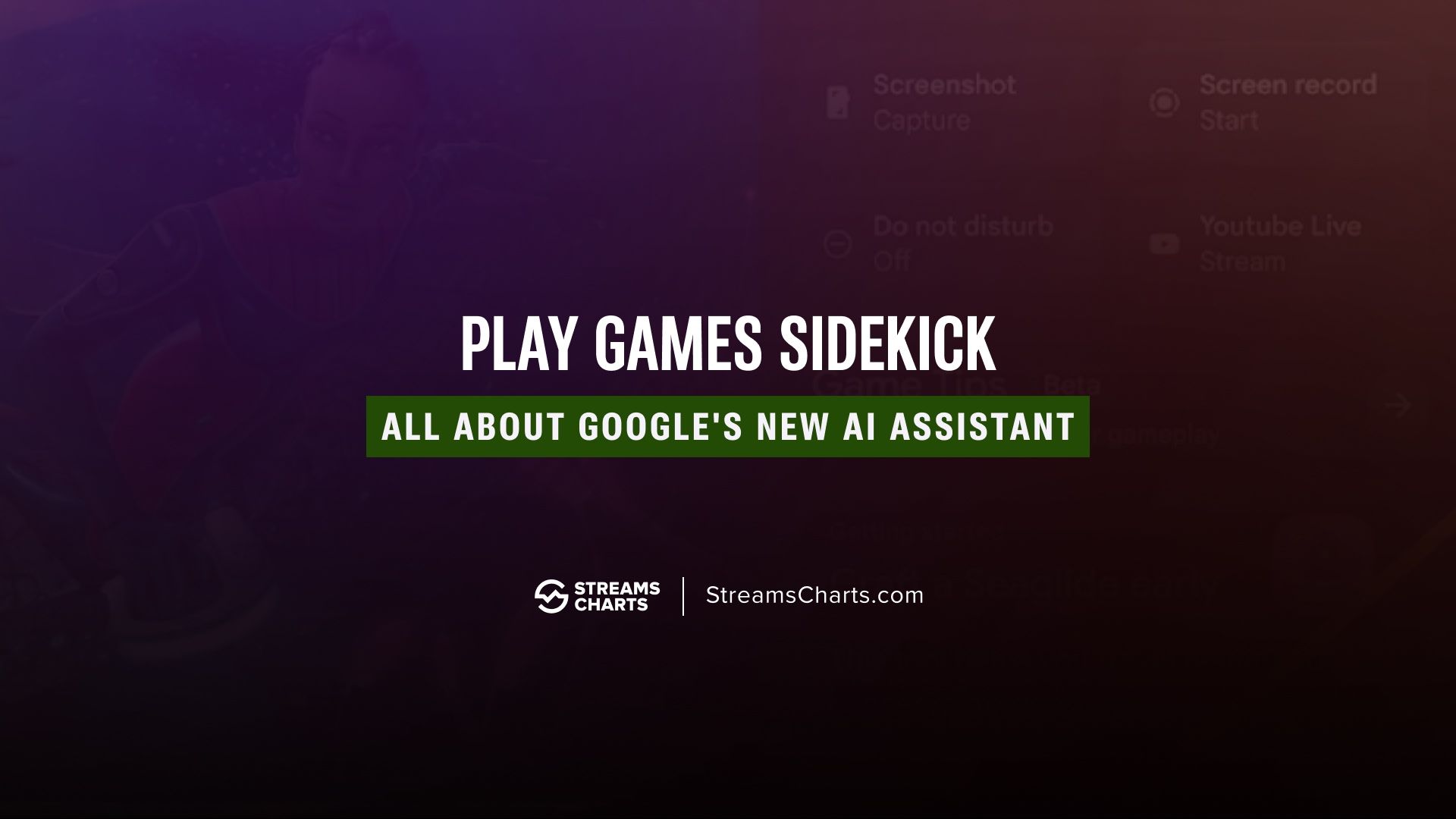
The gap between mobile and PC gaming just got a lot smaller. At this year's Game Developers Conference (GDC 2026), Google officially launched Play Games Sidekick, an AI-powered assistant designed to help you master, record, and stream Android games without ever leaving the app.
Whether you're a casual player stuck on a certain boss level or a creator looking to grow your channel, here is everything you need to know about the new Google Play features.
What is Play Games Sidekick?
Play Games Sidekick is an intelligent, floating overlay that lives on top of your supported Android games. Instead of tabbing out to search for a walkthrough or adjust your settings, the Sidekick provides a streamlined "command center" for your gameplay.

Key features at a glance:
- AI-powered game tips: Using Gemini-driven artificial intelligence, the Sidekick analyzes your current game state to offer real-time strategy suggestions and solutions for difficult levels.
- One-tap content tools: Instantly capture screenshots, start high-quality screen recordings, or toggle Do Not Disturb mode to keep your focus sharp.
- Integrated streaming: For the first time, you can trigger a YouTube Live stream directly from the overlay, simplifying the mobile streaming workflow.
- Real-time tracking: Monitor your achievements, quest progress, and Play Points rewards in a carousel format while you play.
What is the new 60-minute game trials feature?
Google is also solving the "buyer's remorse" problem in the Play Store. The new Game Trials feature enables users to play the full version of select premium games — such as the survival-horror hit Dredge — for up to 60 minutes for free.
The best part? If you decide to purchase the game, your progress carries over. You don't have to restart from the beginning, making the transition from trial to owner completely seamless.
Why does Play Games Sidekick matter for streamer growth?
For content creators focusing on streaming growth, the Sidekick is a significant technical upgrade. Mobile live-streaming has traditionally been clunky, requiring third-party apps that drain resources.
With the Sidekick's native YouTube Live integration, the barrier to entry for mobile esports and walkthrough content is lower than ever. You can now engage with your audience and manage your stream settings without the lag or UI clutter associated with external tools.
Can players talk to Gemini Live while gaming?
Google isn't stopping with text-based tips. Soon, players will be able to engage with Gemini Live via voice. Imagine asking, "Gemini, how do I beat this level?" and receiving a verbal strategy guide while your hands stay on the controls. This level of screen-aware AI assistance is a first for the mobile industry.
How to get started
- Check for compatibility: Play Games Sidekick is currently rolling out to over 90 titles, including Star Wars: Galaxy of Heroes, FC Mobile, and Reigns.
- Enable developer options: If you don't see the overlay yet, ensure your Play Store is up to date and "Play Games Sidekick (beta)" is enabled in your Google Play settings.
- Look for the "Try" button: Browse the "Games" tab in the Play Store to find premium titles offering the new 60-minute trial.
Play Games Sidekick: Frequently Asked Questions
How do I use Play Games Sidekick on my Android phone?
To use the Sidekick, ensure your Google Play Games app is updated to the latest version. When you launch a supported game, a small, translucent floating icon or side tab will appear. Tapping this icon opens the Sidekick overlay, giving you instant access to AI tips, recording tools, and streaming options without pausing your game.
Which games support the new Play Games Sidekick?
At launch, Play Games Sidekick supports over 90 popular Android titles. High-profile games like Star Wars: Galaxy of Heroes, FC Mobile, and Reigns are among the first to integrate the feature. Google is actively working with developers to expand this list, so expect more titles to be added to the "Sidekick Compatible" category in the Play Store soon.
Can I stream to Twitch using Play Games Sidekick?
Currently, the Play Games Sidekick features native integration specifically for YouTube Live. While you can use the built-in screen recording tool to capture footage for other platforms, the direct "one-tap" streaming functionality is designed to work within the Google and YouTube ecosystem.
How long are the Google Play Game Trials?
The new Game Trials allow you to play the full version of a premium game for 60 minutes. This is a "timed trial" that gives you access to the complete experience. If you enjoy the game and decide to purchase it, your save data and achievements will automatically transfer to the full version.
Does Play Games Sidekick require an internet connection?
Yes, because the Sidekick uses AI-powered Gemini intelligence to provide real-time tips and strategy, an active internet connection is required to process those requests. Additionally, features like YouTube Live streaming and achievement tracking also require data or Wi-Fi to function.
Is Play Games Sidekick available on all Android devices?
Play Games Sidekick is rolling out to devices running Android 12 and above. To ensure the best performance, especially when using the AI overlay and streaming tools simultaneously, a device with at least 6GB of RAM is recommended.
Header image via Google Play Store
Esports is a journey where winning is not as important as enjoying the game!
Subscribe to our newsletter.
Latest streaming statistics and analytics news in weekly format!
Subscribe